Alignex Blog

Optimize Your Hardware for SOLIDWORKS 2015

The Alignex Team on February 17, 2015 at 2:37 PM

1 comments

Since the release of SOLIDWORKS 2015, there have been a lot of questions surrounding hardware requirements, optimal RAM, video cards and more. To ensure you are always working with a SOLIDWORKS supported and optimized system use these tips from the Alignex technical staff. Though these recommendations are a good starting point for spec’ing out a SOLIDWORKS machine, it is always a good idea to conduct your own hardware/software tests before purchasing any workstation, computer hardware, or video card for SOLIDWORKS.

Read More...

Virtually Testing a Jumping Drone Part with Linear Static Analysis

Tim Spielman on February 4, 2015 at 10:08 AM

1 comments

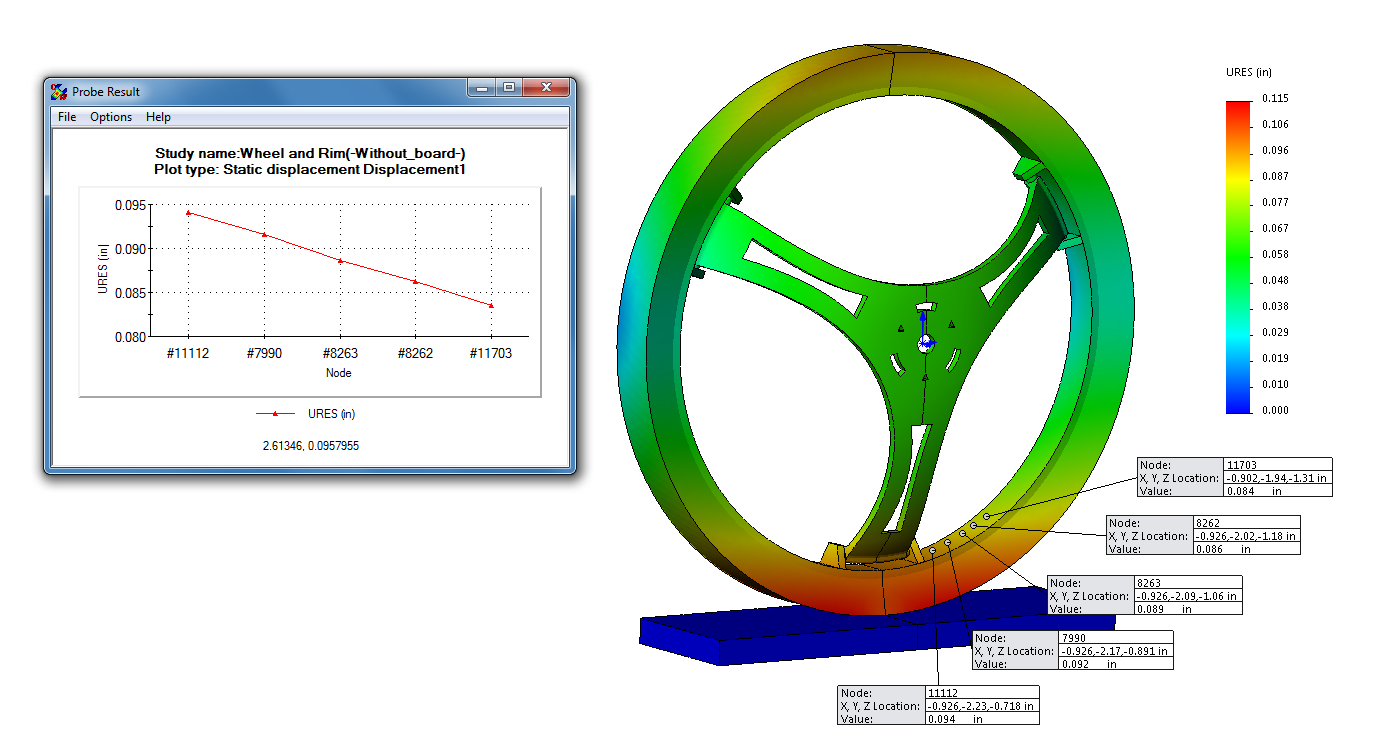
SOLIDWORKS Simulation provides easy-to-use design validation tools that allow you to test your product and make important decisions to improve quality and performance early in the product development process. Full integration with the SOLIDWORKS environment means that you won’t waste time with redundant data transfer tasks. There is no need to export your SOLIDWORKS model when you want to run a study in SOLIDWORKS Simulation! With this CAD-embedded technology, design engineers can quickly and easily perform virtual testing before ever building the first prototype. 

SOLIDWORKS Simulation comes in 3 different packages: Standard, Professional, and Premium. Additionally, there are basic simulation capabilities included in SOLIDWORKS Premium. In this article, we will focus on linear static analysis which is available in all of the packages listed above. Linear static analysis allows us to apply static loads to a part or assembly and calculate the resulting stress, strain, displacement, reaction forces, and other parameters that will allow us to improve the quality and performance of our design. The model we will be analyzing is the wheel assembly for the Parrot MiniDrone Jumping Sumo.

Read More...

How to Find and Back up Custom Data in SOLIDWORKS

Mike Strand on January 29, 2015 at 3:28 PM

0 comments

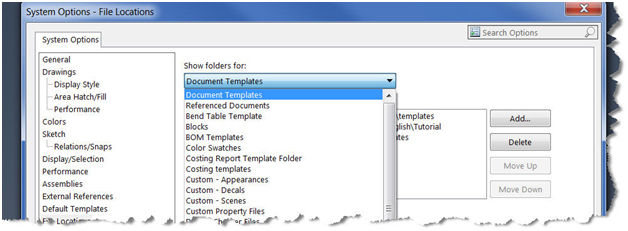
Backing up design files can save many hours in the event of a change. In the case of a SOLIDWORKS version update for instance, these files can be overwritten and with them hours of design time. For companies with network drives and servers, some of this may already be taken care of. But more likely to be over-looked are the file document customizations. These are the files like our drawing and part templates or sheet formats and bend tables. Where are these stored and how do we back them up?

Common customized files include sheet formats, templates, design library items and of course toolbox data. Some of these may be stored on a shared drive or PDM system like SOLIDWORKS Enterprise PDM (EPDM) but if not, the following listed locations should be checked. Watch the video below on our YouTube Channel or follow these steps. 

Read More...

Simulating the Injection Mold Stages of a Jumping Drone Part

Dean Schley on January 22, 2015 at 10:03 AM

3 comments

SOLIDWORKS Plastics is the missing link for a truly collaborative product development strategy. You don‘t have to be an expert to use SOLIDWORKS Plastics, it is used in the product development process by Design Engineers, Mold Makers and Plastics Injection Manufacturers. 

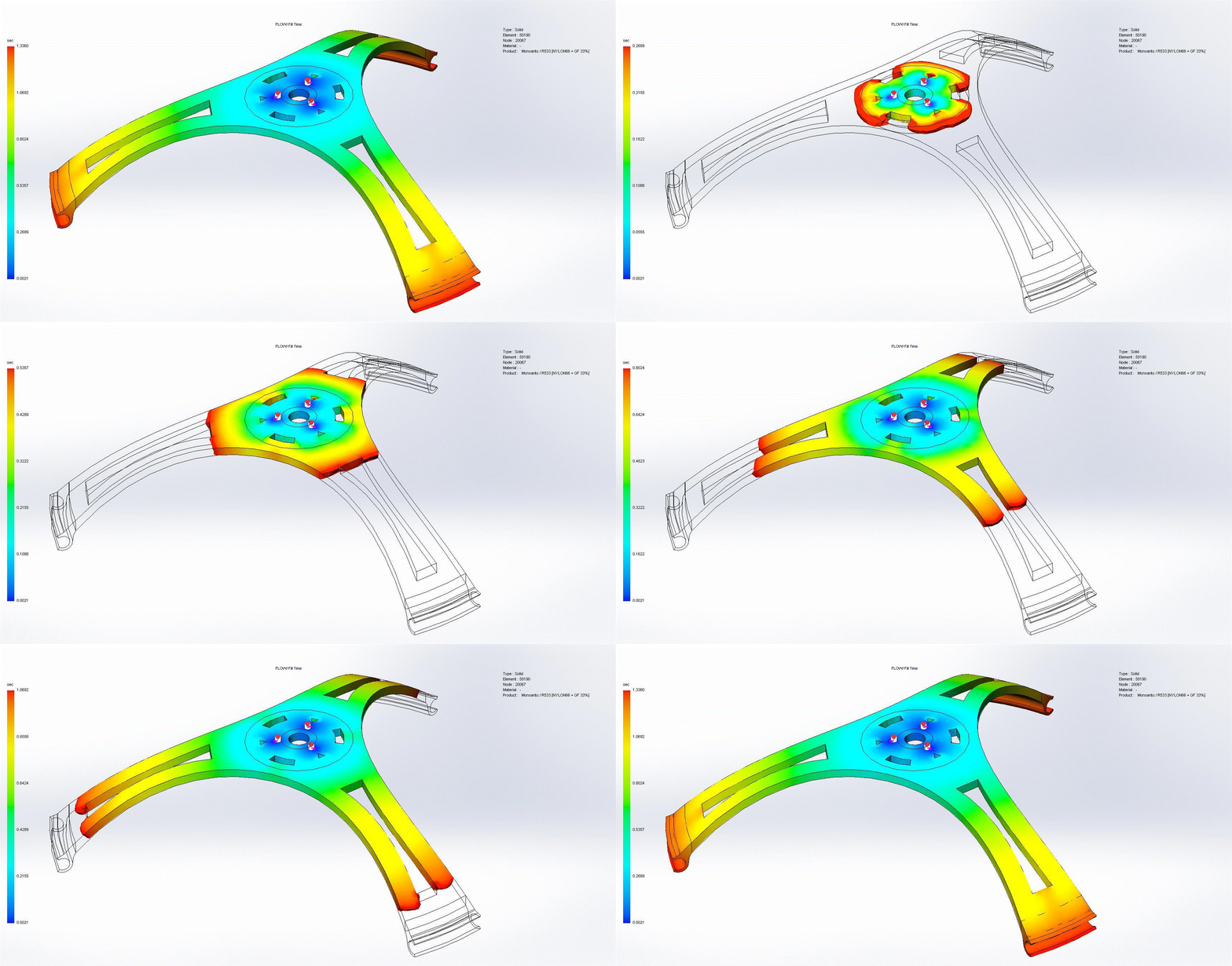
The analysis tools of SOLIDWORKS Plastics allow you to simulate the Fill, Pack, Warp and Cooling stages on manufacturing a part. Let's take a look at these tools in action on a wheel spokes hub from a Parrot MiniDrone Jumping Sumo.

Read More...

Recent SOLIDWORKS 2015 Event Inspires Nebraska Users

Mike Strand on November 25, 2014 at 9:53 AM

0 comments

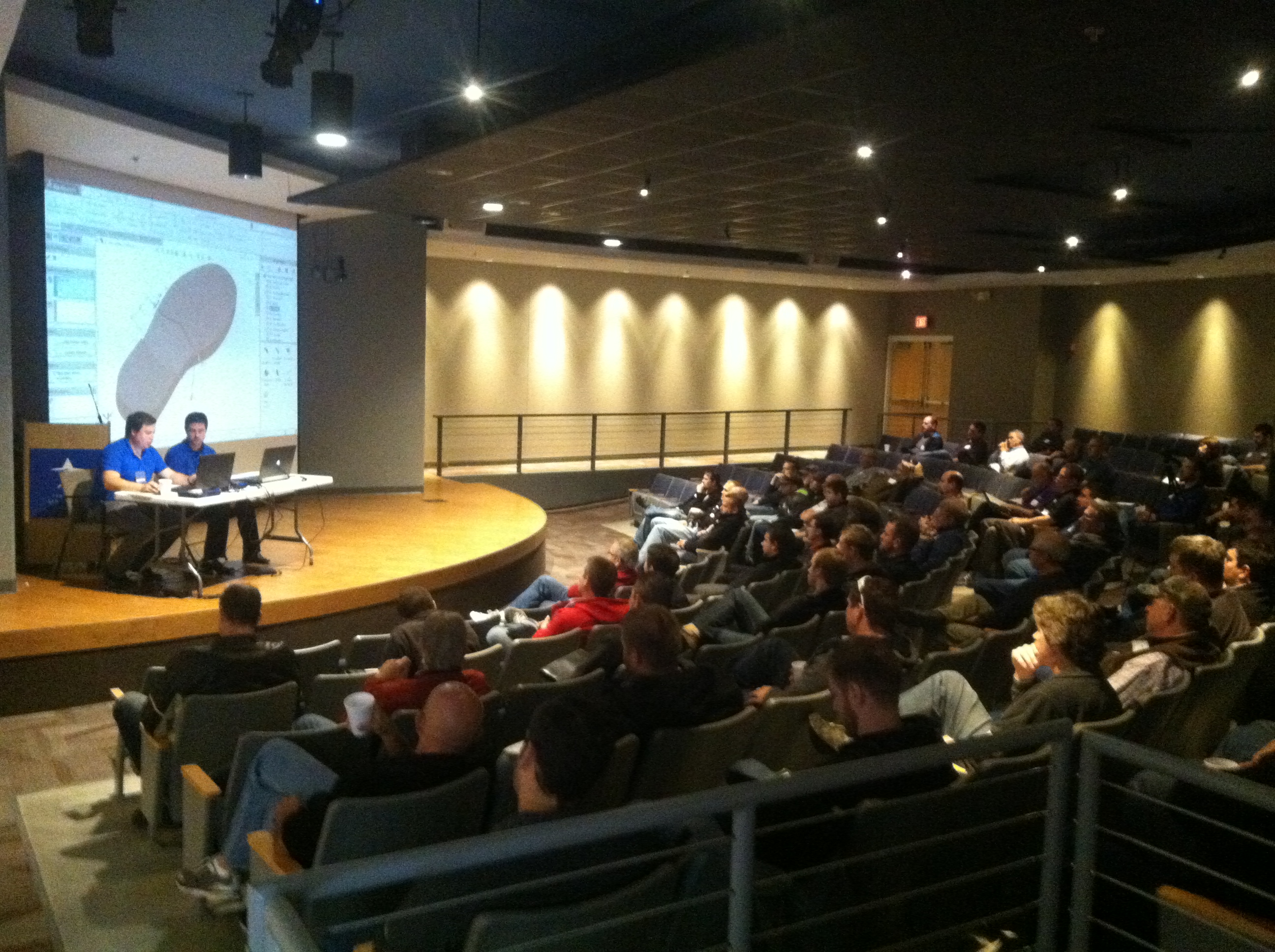
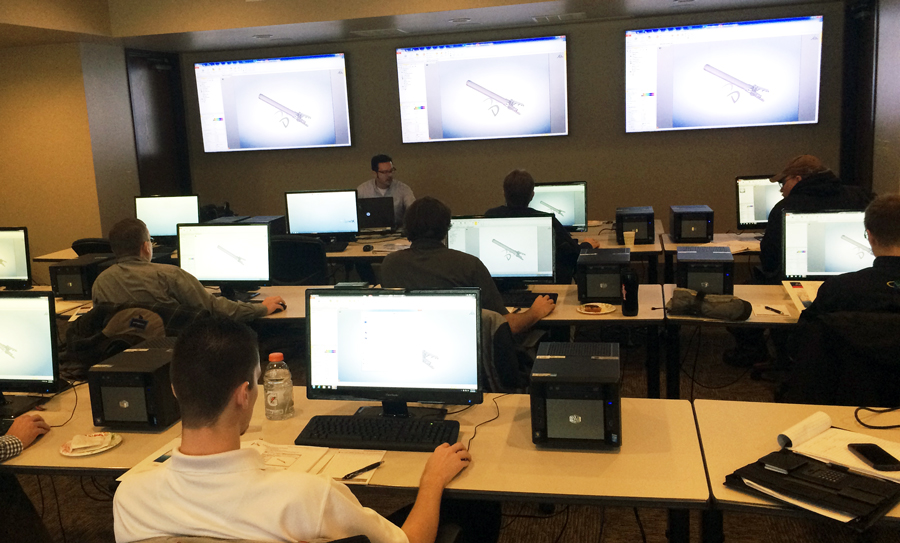
Few things seem to mesh better than a conference for engineers and designers hosted at an air and space museum. Enter SAS, the Strategic Air and Space museum near Omaha, NE. Recently we hosted an event there that brought together people from a multitude of industries to unveil the new features of Dassault’s latest SOLIDWORKS release. Covering everything from weldment and sheet metal updates to some brand new pattern features, we sought to gauge some of the response from all of the well experienced users. So here it is:

Read More...

Tips for Modeling Productivity and Troubleshooting Files in SOLIDWORKS

Mike Strand on November 18, 2014 at 10:57 AM

0 comments

One of the great things about a CAD community like SOLIDWORKS is the amount of resources available for learning and skill building. At a recent SOLIDWORKS Workshop event in St. Cloud, MN we covered things like user productivity tips for streamlining modeling and troubleshooting certain rare file scenarios. Here are some of the tips we covered.

Read More...

Top 3 Features at SOLIDWORKS 2015 Workshop

Mike Strand on November 11, 2014 at 3:04 PM

0 comments

As SOLIDWORKS' latest version launches some may be wondering, what should I know? We had the chance to meet with some users recently at an Alignex event in St. Cloud, MN where we showed some of the new features and witnessed the reception they got at our event. Here are three of the top new features we covered:

Read More...

0 comments

Leave a comment