Alignex Blog

Automate Your Documentation Process with SOLIDWORKS Inspection

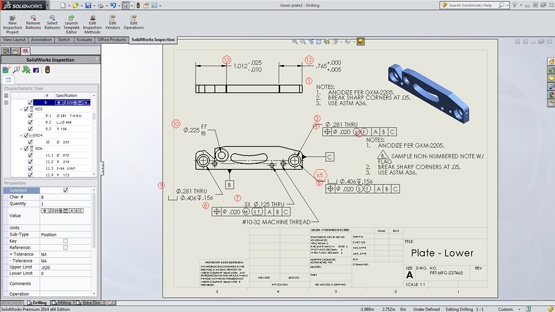
Do you or someone at your company create industry standard reports, such AS9102 or PPAP forms, in order to meet safety regulations and requirements? If so, you’re probably very familiar with how time-consuming and tedious these reports can be.

SOLIDWORKS Inspection is a new application that reduces the time needed to create inspection documentation. We have customers who have told us they’ve seen reductions up to 75%. It virtually eliminates manual errors, improves quality and reduces time to market.
Read More...

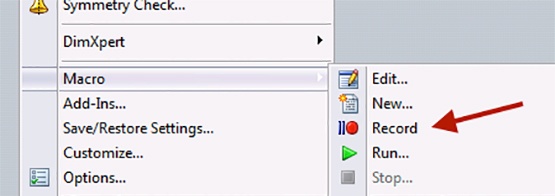
SOLIDWORKS Macro Automation: It's About Time

Rick Steinberger on June 4, 2015 at 3:51 PM

2 comments

Ask any designer what the most troublesome aspect of their project plan is and you'll most assuredly hear about time constraints. There's time required for one-off designs. Time required for change documentation.  Time required for the myriad of mundane tasks that we all must fit into the schedule. So what about time for the real design work? You know... the stuff we learned in school. The stuff that was so cool that we decided to make it our career.  How do we get more of that time?  Well, you could ask for an assistant (good luck with that) or you could automate those tedious and time-consuming tasks using SOLIDWORKS Macros.

Read More...

Configurations: Moderation is the Key to Survival

Travis Quick on May 21, 2015 at 10:22 AM

0 comments

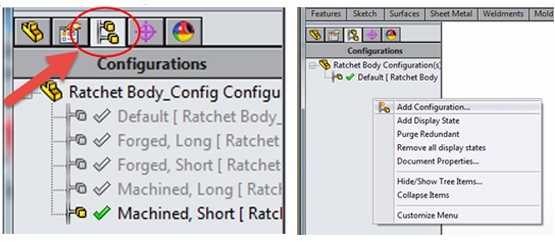
You’ve nurtured your model from concept. You have an intimate knowledge of every fillet, extrusion and sweep. You've accommodated its need to be different using configurations and are now ready to release your design to the world in the hopes that it will be accepted and flourish. It can, and it will. Your model will survive checking, inspection and most importantly time – if configurations were used in moderation.

Read More...

Model Based Definition: A Clear View for Manufacturing

Mike Strand on May 12, 2015 at 12:15 PM

0 comments

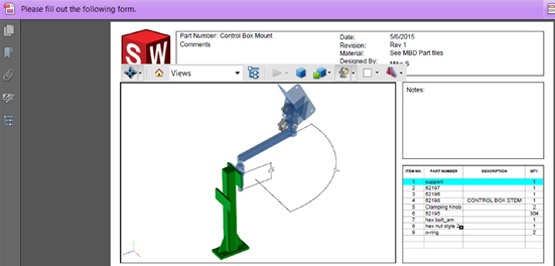
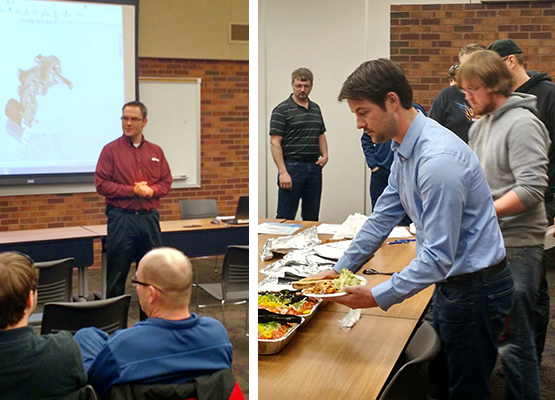
From air quality technology to ophthalmic lens manufacturing, companies from a wide variety of industries showed up at one of our recent Productivity Pack Workshop events to see some new engineering technology. The focus of the event was on becoming more productive, and we covered topics including Simulation, Electrical, Inspection, Costing and MBD. In this blog post I will run through SOLIDWORKS MBD.

Read More...

Using DriveWorksXpress to Automate Your Assemblies

Jesse Butwinick on May 1, 2015 at 9:36 AM

0 comments

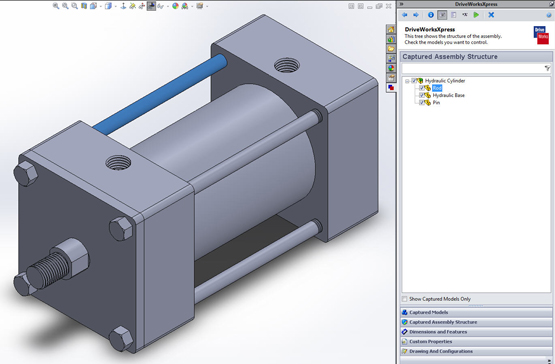
Are you tired of recreating similar projects within SOLIDWORKS? Many of our customers are finding their design cycles decreasing through the use of DriveWorks design automation. In a previous postHow to Reduce Your Design Cycle with DriveWorksXpresswe discussed how DriveWorksXpress can be used to automatically configure a custom part in SOLIDWORKS. But it doesn’t stop there. Your entire assembly can be controlled within the simple to use interface. Fully detailed drawings can also be created for you with the push of a few buttons.

DriveWorksXpress has the ability to greatly decrease your design cycles for various projects, whether you want it to drive just a portion of or the entirety of your assemblies. Either way you will find the process will be the same. Parts can be linked to the DriveWorksXpress forms, their suppression states controlled in the assembly, and the drawings created with pre-defined details. Automating all these processes means your engineers get back valuable time that can be focused on creating new and innovative products.

Read More...

How to Reduce Your Design Cycle with DriveWorksXpress

Jesse Butwinick on April 9, 2015 at 10:27 AM

0 comments

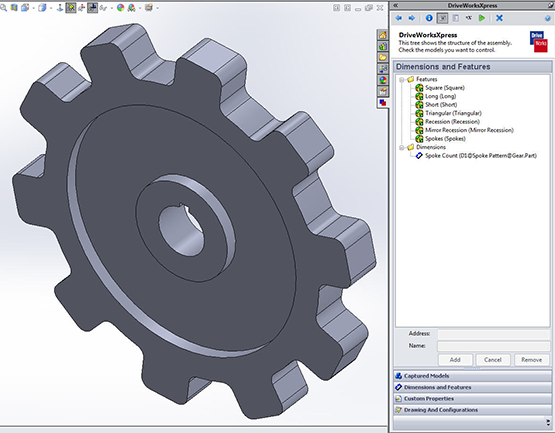
Would you consider your line of products to be the same, but different? Have you ever found yourself creating copies of your SOLIDWORKS parts and assemblies just to have them as starting points for new designs? Then you may be missing out on a tool that could cut your design cycle by a significant amount of time! I am of course referring to DriveWorksXpressa design automation tool that is free with every license of SOLIDWORKS.

Read More...

Streamline Development with Rules-Based Design Automation

Mike Lamora on March 24, 2015 at 3:05 PM

0 comments

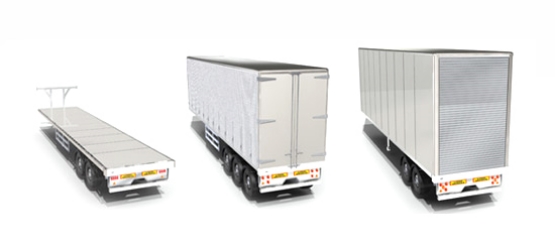
In today’s competitive landscape our customers are faced with many challenges that affect the organization's profit margin. Some of those challenges include increased engineering and manufacturing costs, pressures to offer customization of standard products and bottlenecks in engineering. The old adage of "throwing more bodies" at a project is just not feasible anymore.

We often talk about how to get your products to market faster than your competition. At Alignex, we have many tools to help with your product development process for new product development. A topic I want to introduce to you today is design automation. In a past SOLIDWORKS poll, 65% of responders said that a majority of their designs are based on previous designs.

Read More...

Attending a SOLIDWORKS User Group Meeting

Mike Strand on March 17, 2015 at 8:33 AM

0 comments

The power of a user group is evident once you attend. With a room full of engineers and designers who all use the same program, there’s a great chance of discovering a new technique, feature or process that elevate a design. A few of us from Alignex attended the Sioux Falls meeting to join the discussion which ranged from new features of SOLIDWORKS 2015 to facts about the larger SOLIDWORKS community.

User groups are a great place to learn more about SOLIDWORKS and engineering in general. There are also lots of video resources as well as offerings in schools and colleges. Here are a few interesting stats about the community of SOLIDWORKS learners:

Read More...

Kooima Engineer Wins SOLIDWORKS Model Mania Contest

Mike Strand on March 10, 2015 at 1:15 PM

0 comments

Would the fastest designer in the room please stand?

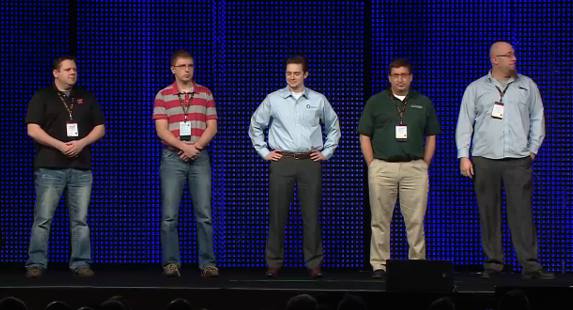
For 16 years, the fastest designers have been standing up to accept prizes at the SOLIDWORKS World convention. Every year there is a competition called Model Mania. In this contest designers are given a drawing of a part never before seen. They then have to create a model of this part, run through a redesign of the part and finally perform a simulation analyzing the forces applied. The rules are laid out, but the technique is not.

We recently talked with Nick Vande Waerdt, the contest winner this year from Kooima, a company we are quite familiar with. Nick is a design engineer and started down the design path right out of college. He has a natural draw toward engineering and modeling and also has experience with this competition.

Read More...

Saving and Exporting in SOLIDWORKS 2015

Mike Strand on February 24, 2015 at 3:07 PM

0 comments

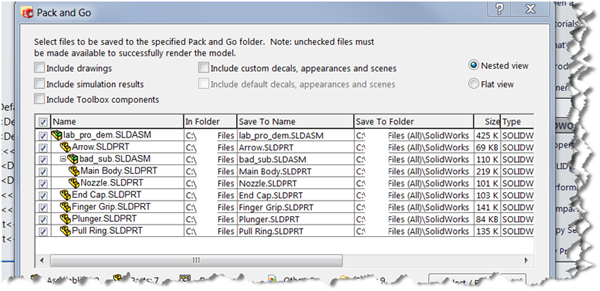
While some saving and exporting options in SOLIDWORKS are pretty straightforward, others can be confusing at first. In this post, we take a look at the different options in SOLIDWORKS 2015 including Saving, Exporting, and Pack and Go and how they affect our workflow.

Save Options

There are five different options for saving in SOLIDWORKS, including the Pack and Go option. It may seem like a lot, but they can actually save you time once you learn which option is most suitable for your needs.

Read More...

0 comments

Leave a comment